My account
My Account gathers the settings that concern you personally, whatever the project: your profile, the look of the application, your password, your API keys and your subscription.
Click your name at the bottom of the menu to open My Account. The page is organised in tabs.
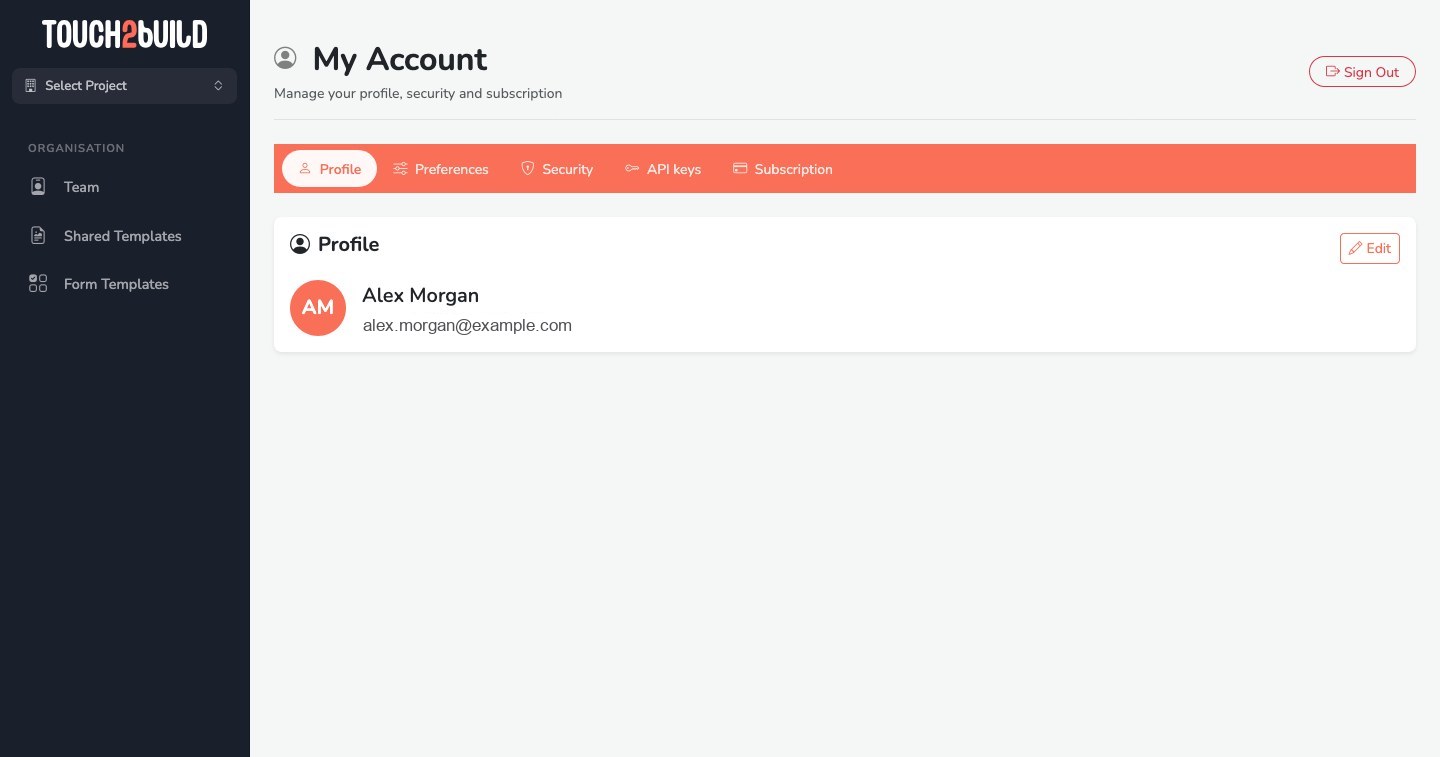
At the top of the page, Sign Out ends your session on this computer. To write to us, use Report a problem at the bottom of the menu: an idea, a problem? Your feedback helps us improve Touch2build.
Profile
Your name and email address are shown here. To change your name, ask an administrator of your organisation: it is edited from Team.
Preferences
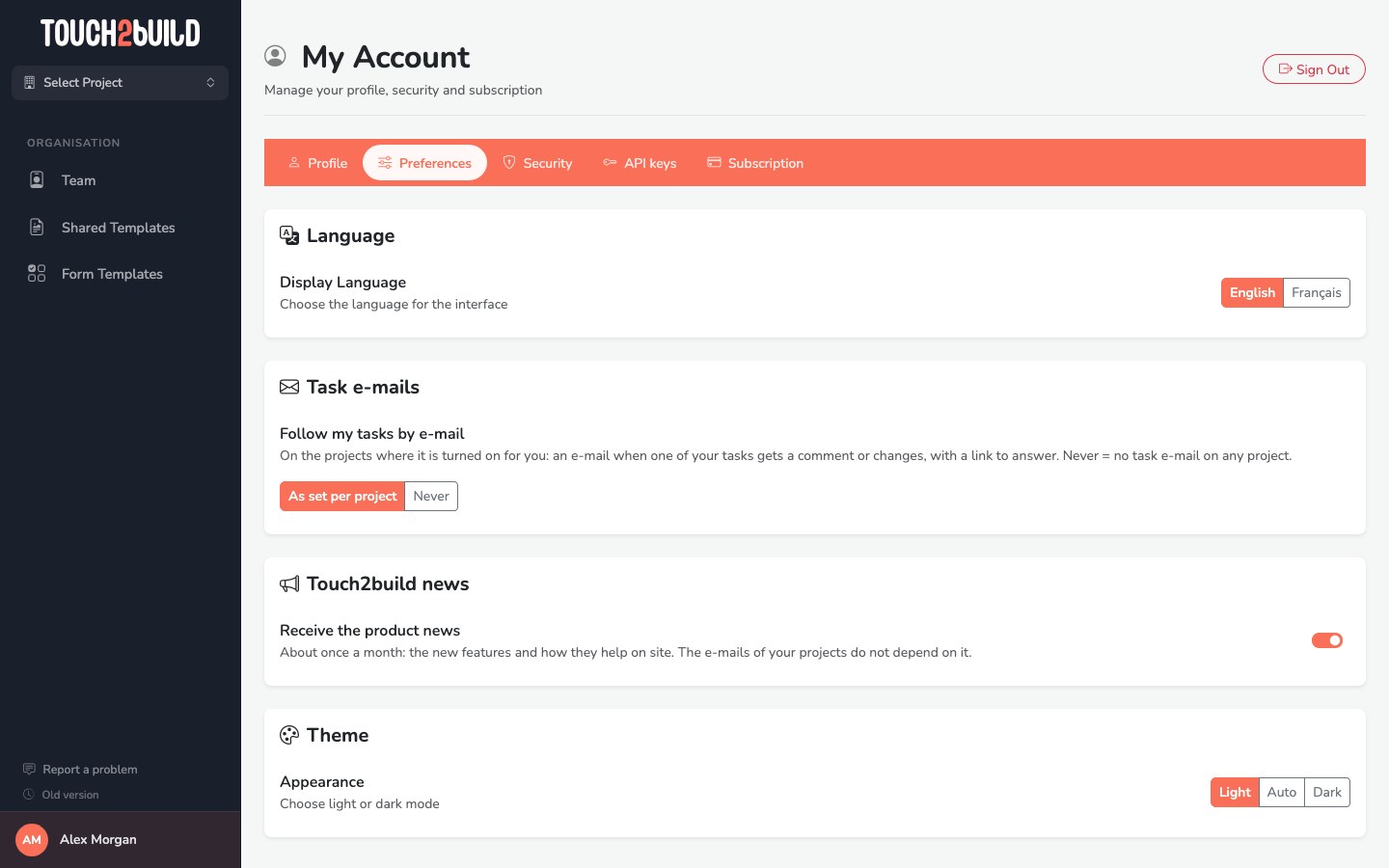
- Language
- Français or English. The page reloads in the language you chose.
- Theme
- Light, Dark or Auto, which follows the setting of your computer.
- Follow my tasks by e-mail
- As set per project: you receive your tasks by email on the projects where this is turned on for you. Never: no task email, on any project. See Follow your tasks by email.
- Touch2build news
- Receive the product news by email, about once a month: the new features and how they help on site. The emails of your projects do not depend on this setting.
Security
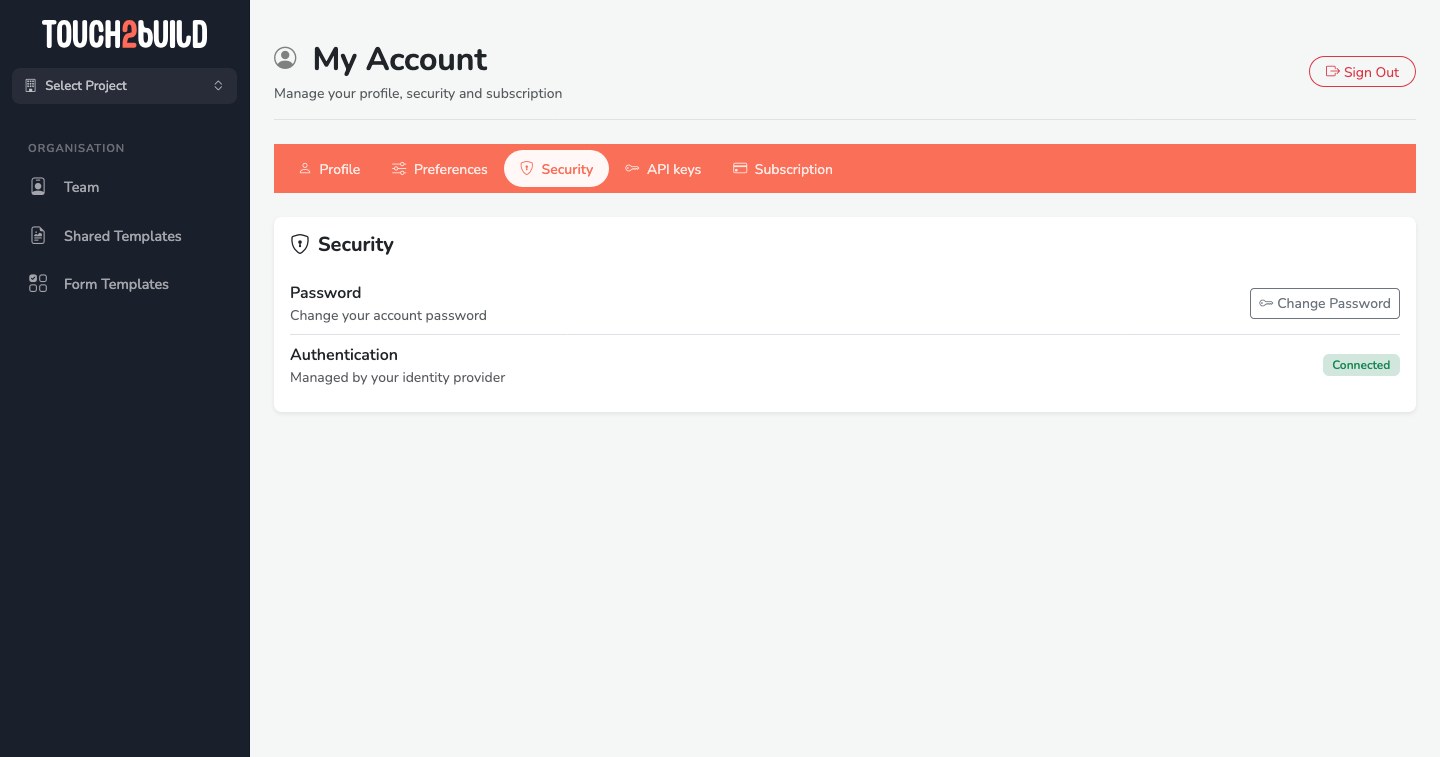
Change Password: enter the current password, then the new one twice.
API keys
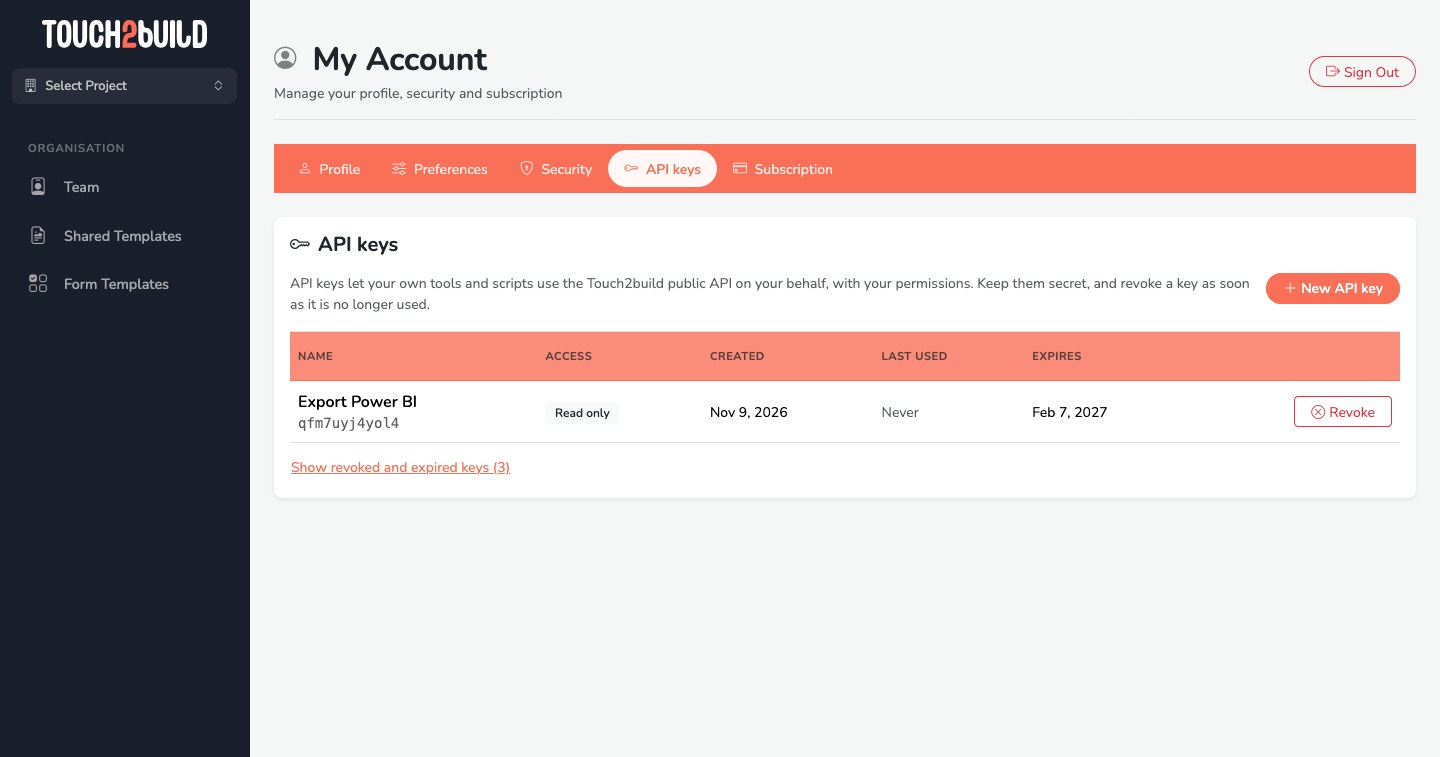
An API key lets your own tools (a BI tool, an ERP, a script…) reach your projects through the Touch2build API, on your behalf and with your permissions.
-
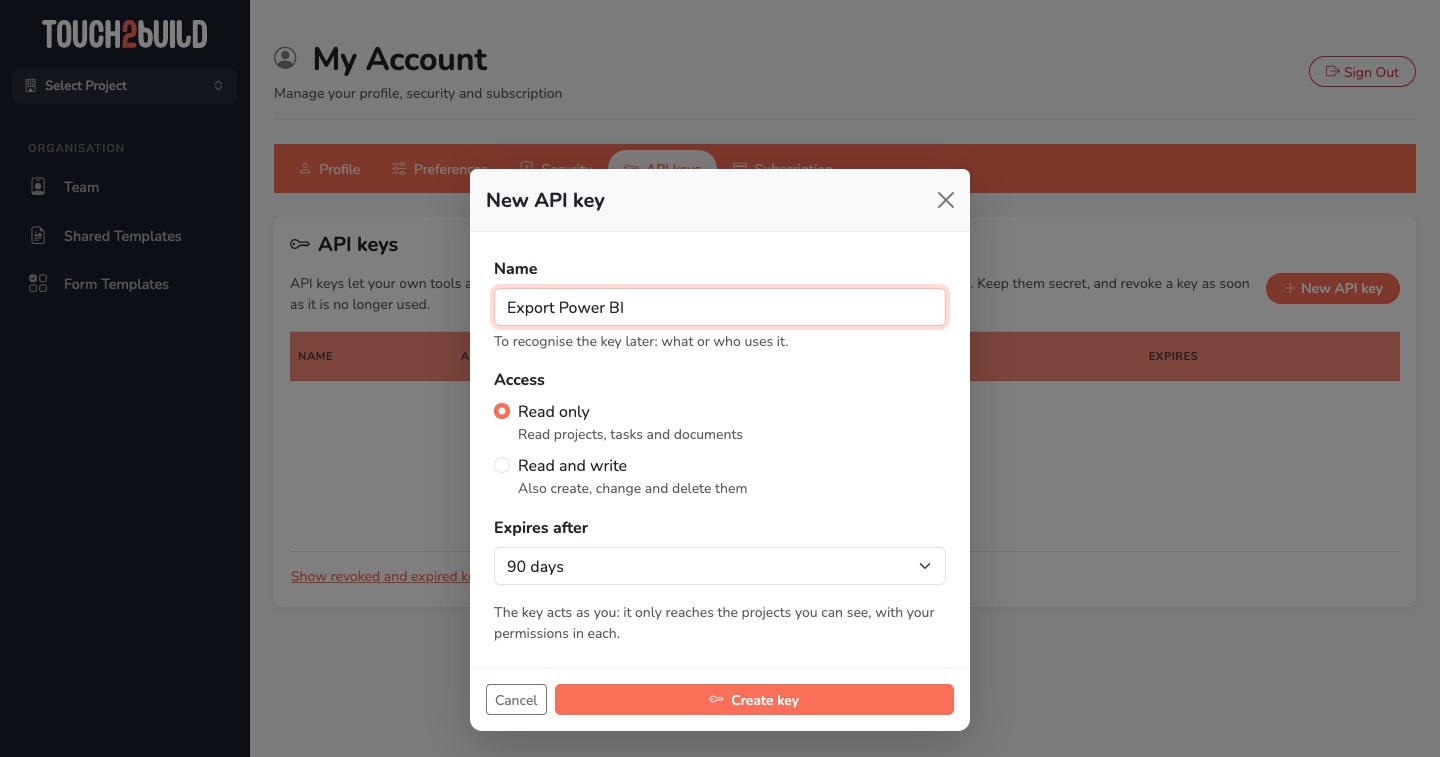
New API key: give it a name, choose the access (Read only or Read and write) and the validity period, then click Create key.
-
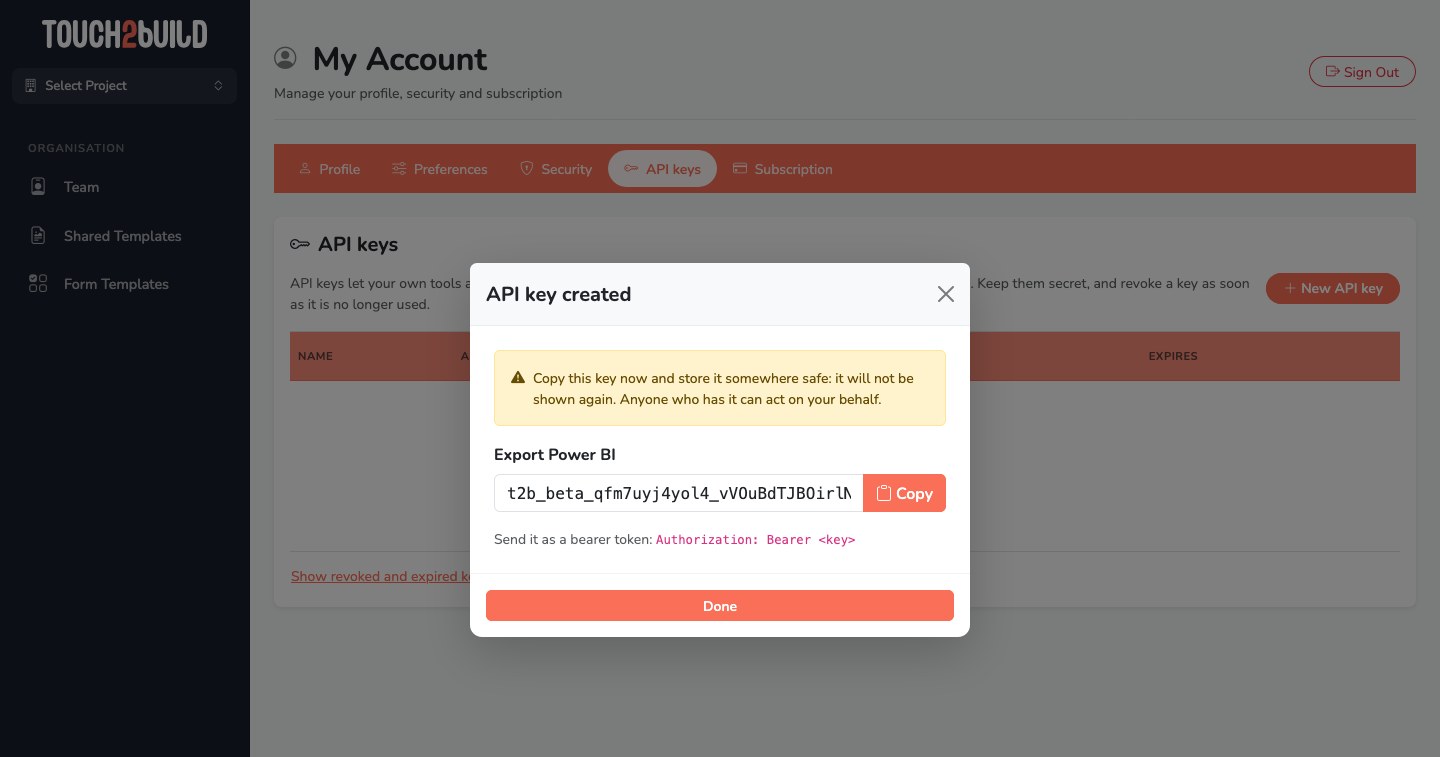
The key is shown only once: copy it straight away with Copy and keep it in a safe place.
-
The list shows each key's access, creation date, last use and expiry. Revoke disables a key immediately.
The details are in the For developers section.
Subscription
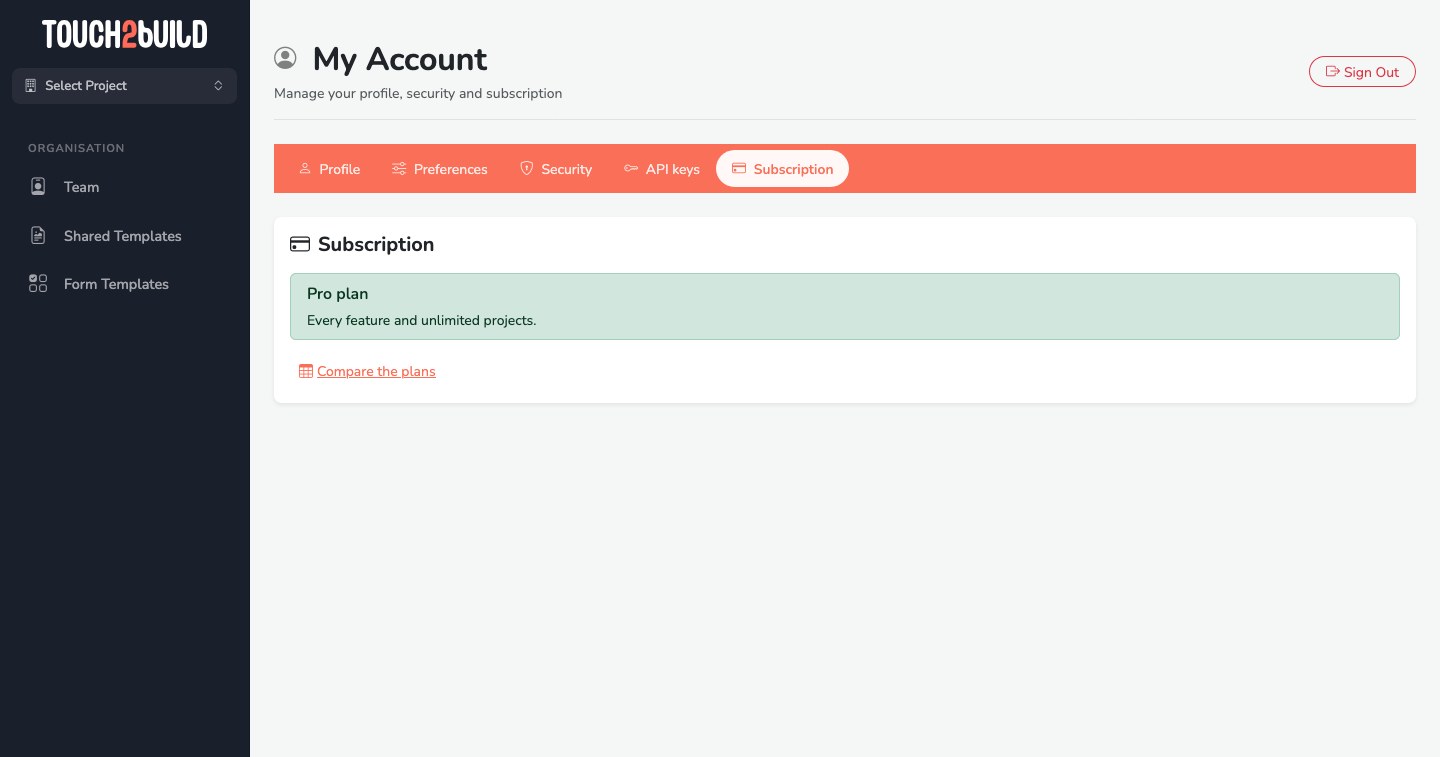
Your plan: Pro plan, Pro trial with the days left, or Free plan. The Buy a subscription and Show billing profile buttons let you subscribe or manage payment, and Compare the plans opens the plan comparison table.